INOVIX / Insights

Automate customer enquiries with AI: a practical guide

A useful first solution often sorts enquiries, creates a case and drafts a reply for a person to review. Here is a concrete workflow, failure cases and an illustrative calculation to use before investing.

By INOVIX · Reviewed

The workflow is an INOVIX design proposal. The calculation uses hypothetical assumptions to explain the method; it is not a measured customer result or a savings promise. Approval capabilities are documented in the linked vendor sources.

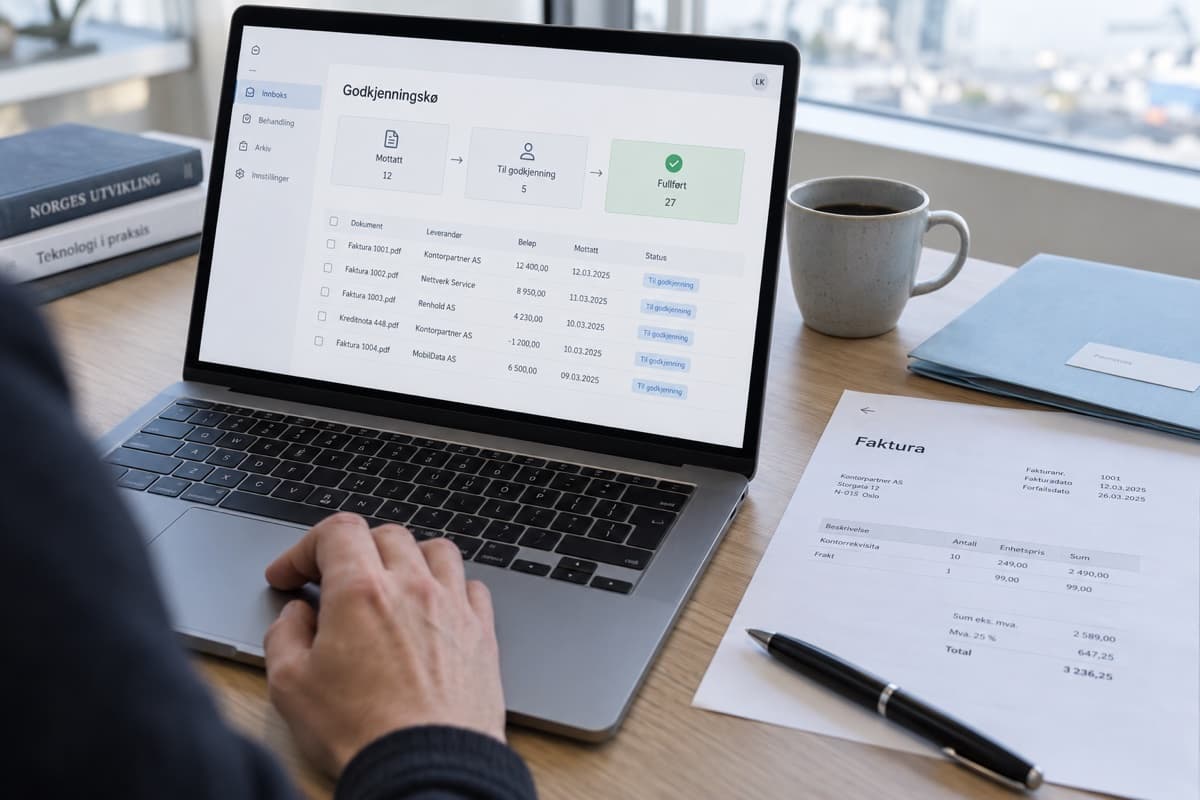
Illustration of documents organised with human approval.
Design, engineering and automationGuide

From incoming email to a reviewed reply

On small screens, scroll the table horizontally.

From incoming email to a reviewed reply
StepAutomationControl
1. ReceiveRecord the enquiry using a unique message ID.The same message must not create two cases.
2. InterpretSuggest a category, contact details and request from the text.Missing or uncertain fields go to manual handling.
3. Look upFind the right customer and relevant, approved information.Check access and customer identity before lookup.
4. DraftCreate a case note and a draft linked to its factual sources.Prices, delivery times and commitments must be verifiable.
5. ApproveShow the draft and sources to the responsible colleague.Send only after approval and record who approved it.
01

What should you automate first?

Start with recurring questions answered by current information: which services you offer, what details a quote needs and who follows up. Route complaints, ambiguous orders and exceptions to a colleague. An acknowledgement can use a fixed template; it does not need a language model.

02

Why this workflow can help

The workflow reduces manual handoffs: information moves from inbox to case to reply draft. Fixed checks protect fields and actions that require precision. A colleague reviews prepared material instead of starting from an empty screen. This can save time, but the benefit must be measured after review and corrections are included.

03

Illustrative calculation: 200 enquiries per month

Assume 200 cases per month, 8 minutes manually per case and 3 minutes after automation, including review and corrections. Time released is 200 × (8 − 3) / 60 = 16.7 hours. At an assumed internal hourly cost of NOK 600, this is NOK 10,000 of capacity. Subtract NOK 1,500 in monthly licences and operation: NOK 8,500 remains. At NOK 25,000 setup cost, simple payback is about 2.9 months. All figures are hypothetical, excluding VAT, and are neither INOVIX prices nor customer data. Released time does not automatically become cash savings.

04

When the calculation does not hold

If review instead takes 7 minutes per case, only 3.3 hours are released, worth NOK 2,000 of capacity. After the same operating costs, the contribution is NOK 500 and simple payback is 50 months. At lower volumes, the benefit can become negative. Measure cases that need rework and separate setup cost, recurring usage and time released.

05

Test failures before sending real replies

Start in draft mode. Test repeated messages, incorrect customer IDs, an unavailable CRM and instructions inside customer text that try to alter the workflow. Treat sender content as data, not permission for additional actions. Prices and product facts must come from an approved source. Uncertainty should route the case to an accountable person, not produce an invented answer.

06

Document results before expanding

Record median handling time, drafts approved unchanged, escaped errors, unanswered cases and cost per completed case. Compare the same case types before the pilot. One practical starting point is 50 representative enquiries, including exceptions, followed by checks in normal operation. That number is a starting point, not a guarantee of statistical confidence.

Questions & answers

Can AI reply to customers automatically?

It is possible, but start with drafts and human approval. Expand only for bounded questions after demonstrating quality, clear information sources and a working handoff to a person.

Do we need a different CRM?

Not necessarily. Check whether your CRM offers an API or supported integrations, what permissions are needed and how duplicates are handled. Choose tools around the process.

We use cookies

We use necessary cookies to make the site work, and analytics cookies (Google Analytics) only if you accept. Learn more

Automate customer enquiries with AI: a practical guide | Inovix