INOVIX / Insights

What should a customer portal include?

A customer portal should provide clarity and make a specific task easier. Start with the need behind repeated questions, not a long feature list.

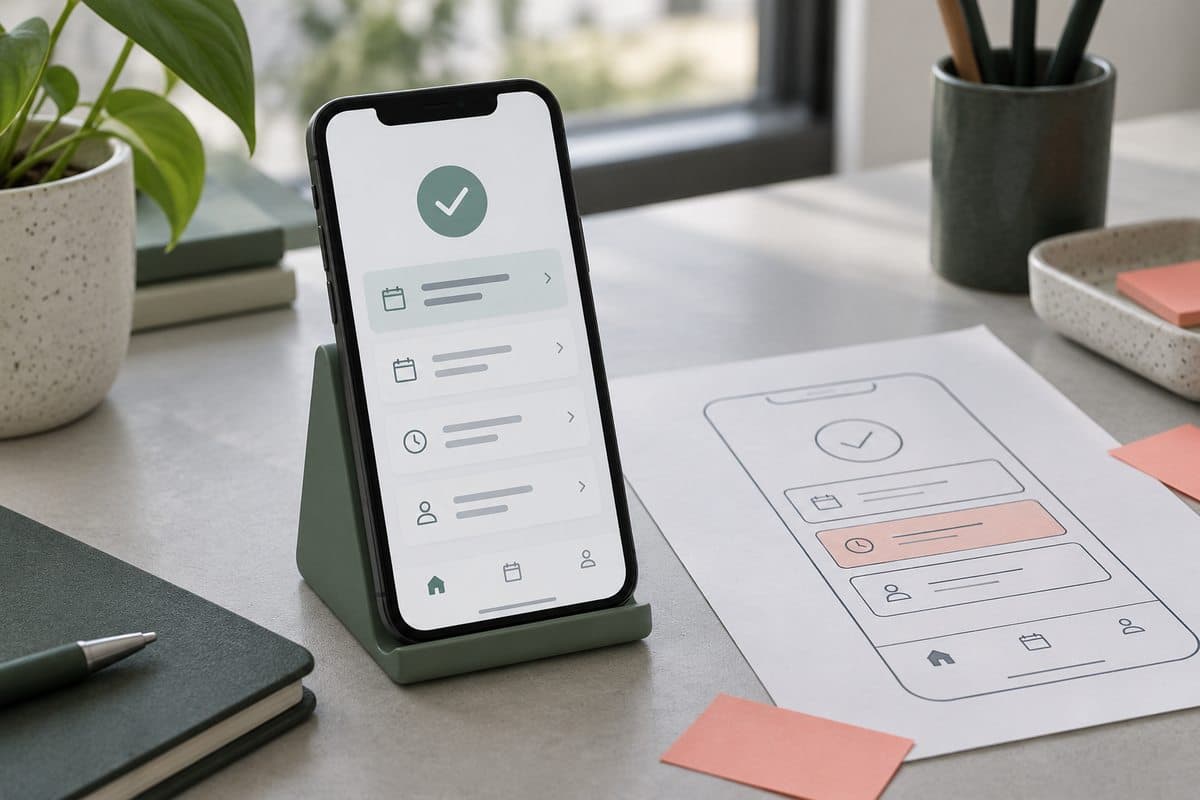
Generated illustration of a customer portal on a phone.
Design, engineering and automationGuide
01

Choose the first user journey

What do customers repeatedly request by email or phone? It might be delivery status, a document or a new order. Describe the journey from sign-in to completion and test a simple prototype with the intended users. The first version need not replace every contact point. Choose one useful task and retain a clear route to personal help.

02

Show status and the next step

Customers should see what has been received, what is pending and what needs their action. Distinguish saved drafts, submitted requests and confirmed agreements. A clear receipt should explain what happens next. When information is missing, show a useful empty state rather than an empty dashboard. An illustrative example is document sharing that makes the current document and responsible contact clear.

03

Clarify ownership and permissions

Who can view a case when a customer has several employees? Define roles, invitations and access removal. Identify the source system for each field and how changes are synchronised. The portal must not show confirmation when the underlying system has not recorded the action. Test access rules on the server, not just by hiding interface elements.

04

Include administration

Your team needs to handle customer actions. Plan alerts, history, error recovery and correction permissions. Before launch, test expired sign-in, unavailable integrations and duplicate submissions. Measure task completion and clarity of follow-up. More sign-ins alone do not demonstrate usefulness.

A good place to start.

  • Which task should customers complete?
  • Which system owns status and documents?
  • Who can view, edit and approve?
  • How does the team handle errors and questions?

Questions & answers

Must the portal be a mobile app?

No. A responsive web app can be a good starting point. Assess device capabilities, notifications and offline use separately before choosing the format.

We use cookies

We use cookies to improve your experience, analyze traffic, and show personalized content. Learn more

What should a customer portal include? | Inovix