INOVIX / Insights

How much does it cost to build an app?

The price of an app depends mostly on how many screens and user roles it has, whether users sign in, whether it needs payments and its own database, and which systems it must connect to. Here is what drives the cost, what comes on top after launch and how to compare quotes.

By INOVIX · Reviewed

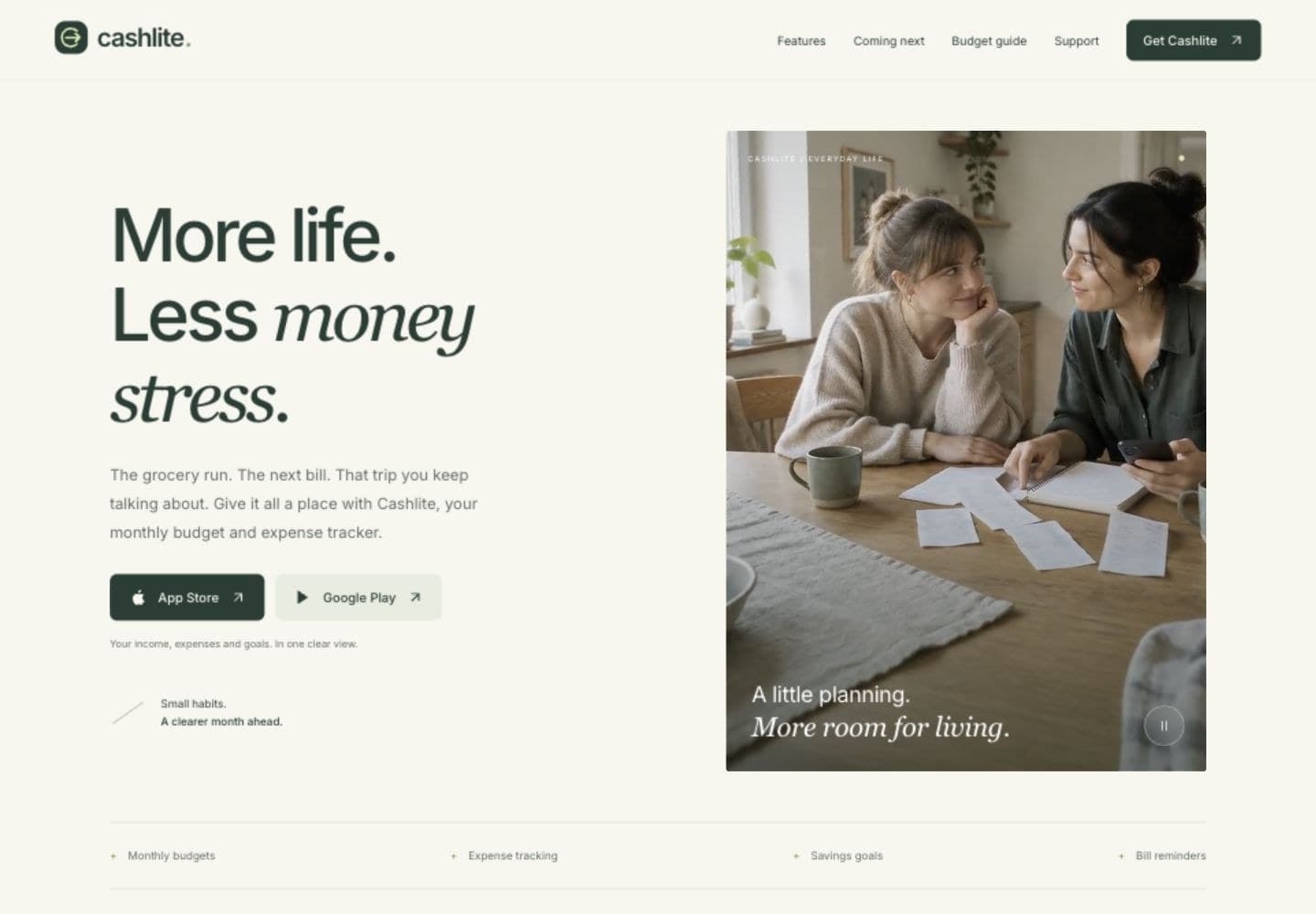
CashLite, a budgeting app for iPhone and Android built by INOVIX.
Design, engineering and automationGuide
01

Six things that decide what an app costs

The number of screens and how many user roles the app has (for example customer, staff and administrator). Whether users sign in and have their own data. Payments in the app or through services such as Stripe. Whether the app needs its own database and a web admin panel. Integrations with systems you already use, such as a CRM, accounting or booking system. And whether the app should be on iPhone, Android or both. Each of these adds design, development and testing.

02

Three typical levels

A simple app with a few screens, content and a contact form, without sign-in. An app with sign-in, data per user, a database and a simple admin panel, priced after a short scoping call because scope varies a lot. A platform with several roles, payments, notifications and integrations, such as a booking system or a marketplace: here it pays to start with a focused first version (MVP) and build on what users actually use.

03

iPhone, Android or both?

Most businesses need both. We build with React Native and Expo, which gives one shared codebase for iPhone and Android. You do not pay for two separate apps, and updates reach both platforms at the same time. To publish, the business needs a developer account with Apple, which has an annual fee, and with Google Play, which has a one-time fee. The accounts should be in the business name so that you own the app.

04

What comes on top after launch

An app is not finished when it is published. Apple and Google release new versions of iOS and Android every year, and the app must be updated to keep working and to be approved in the stores. Database, hosting, email and any AI services have running costs billed by their provider. An operations agreement covers updates, monitoring and backups.

05

Build it yourself, with AI or with an agency?

With AI tools and app builders you can make a clickable prototype or a simple app yourself, and that is a good way to test an idea. What takes time is everything around it: sign-in and privacy, payments, a database that copes with many users, approval on the App Store and Google Play, and maintenance as phones are updated. That is where an agency earns its fee. If you already have a prototype, we can build on it.

06

Can the website become an app?

Often. A web app (PWA) can be installed from the browser and is the quickest and cheapest route when the content already exists on the website. If you need push notifications, payments in the app, the camera or to be found on the App Store and Google Play, a native app is the right choice. It can reuse your existing content and systems.

07

How to compare app development quotes

Ask for a quote that shows which screens and features are included, whether both iPhone and Android are covered, who publishes the app in the stores and what happens after launch. Ask who owns the source code, the developer accounts and the data, and whether another developer can take over later. Two quotes with the same price can cover very different deliveries.

Built by INOVIX

Tilbudsroboten, the quoting app for tradespeople is a mobile app we built and published on the App Store and Google Play.

CashLite, the budgeting app shows how one codebase gives an app for both iPhone and Android.

Stamly consists of a customer app, a staff app, a web portal and a website with booking.

A good place to start.

  • Who will use the app, and what is the main task?
  • Will users sign in and have their own data?
  • Are payments, notifications or the camera needed?
  • Which systems must the app connect to?
  • Who owns the source code and developer accounts?

Questions & answers

What is the cheapest way to build an app?

Start with one clear task and as few screens as possible. A web app is often cheapest, and a cross-platform app avoids paying for two separate builds.

How long does it take to build an app?

It depends on the scope and how quickly decisions and content are ready. We agree a schedule before we start, with dates for design, a test version and publishing. Allow time for review on the App Store and Google Play.

What does it cost to have an app on the App Store and Google Play?

Apple charges an annual fee for the developer account, and Google Play a one-time fee. See the current prices from Apple and Google under sources. If the app sells digital goods, the stores also take a share of the sale.

Can you continue an app someone else built?

Yes, after reviewing the code, the access and how the app is run today. That shows what can be kept and what should change.

We use cookies

We use necessary cookies to make the site work, and analytics cookies (Google Analytics) only if you accept. Learn more

How much does it cost to build an app? | Inovix